May 1, 2026 · 5 min read
Office Ping Pong Leaderboard App: How to Set Up Your Group
Want a free office ping pong leaderboard your coworkers will actually use? Rankat tracks every match, calculates ELO ratings automatically, and works for both casual 1v1 play and team-vs-team rivalries, no spreadsheets, no whiteboard markers, no arguments about who's actually the office champion.
This is a quick walkthrough of how to set up your group from scratch. The whole thing takes about two minutes, and you can be playing your first ranked match before your coffee gets cold.
Sign up for Rankat
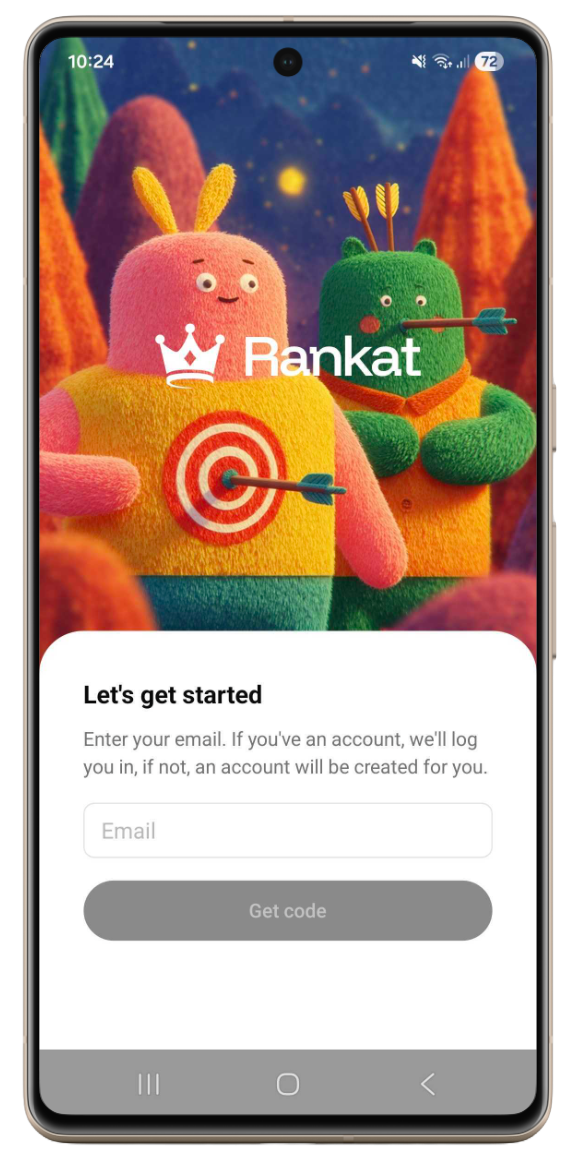
Download Rankat on the App Store or Google Play and sign up with your email.
Create your group
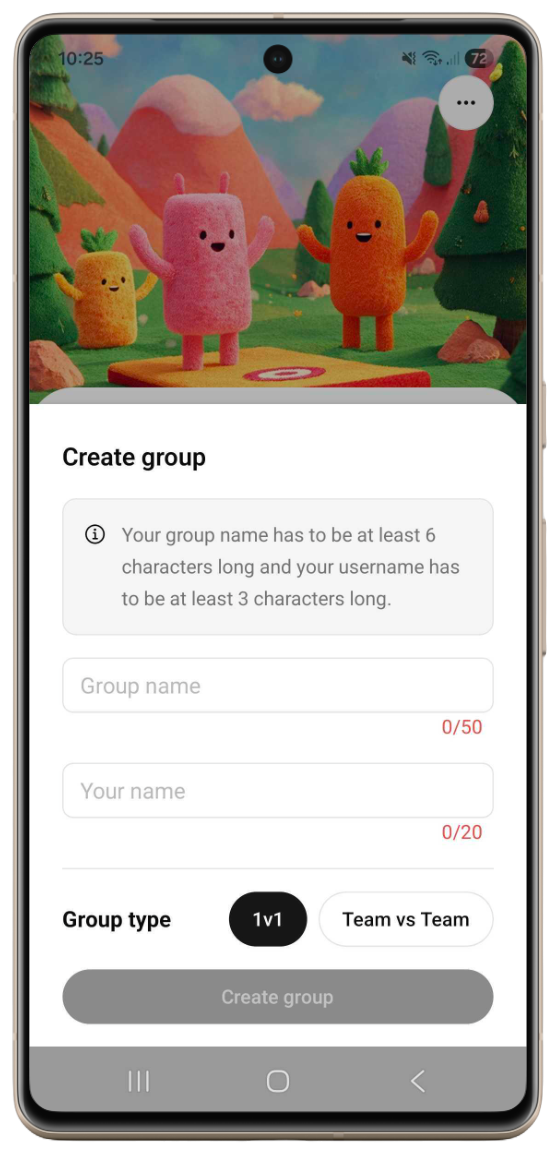
Tap Create group, give the group a name, select your username and choose a group type: 1v1 or team-vs-team.
1v1 vs team-vs-team groups
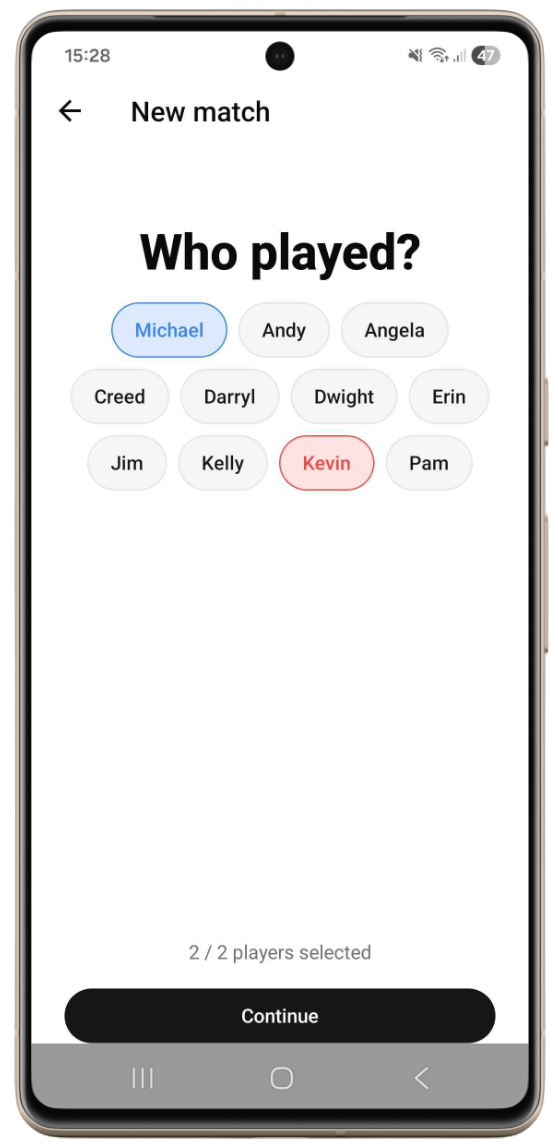
1v1
One player vs another. Best for classic singles of ping pong, cornhole, billiards etc.
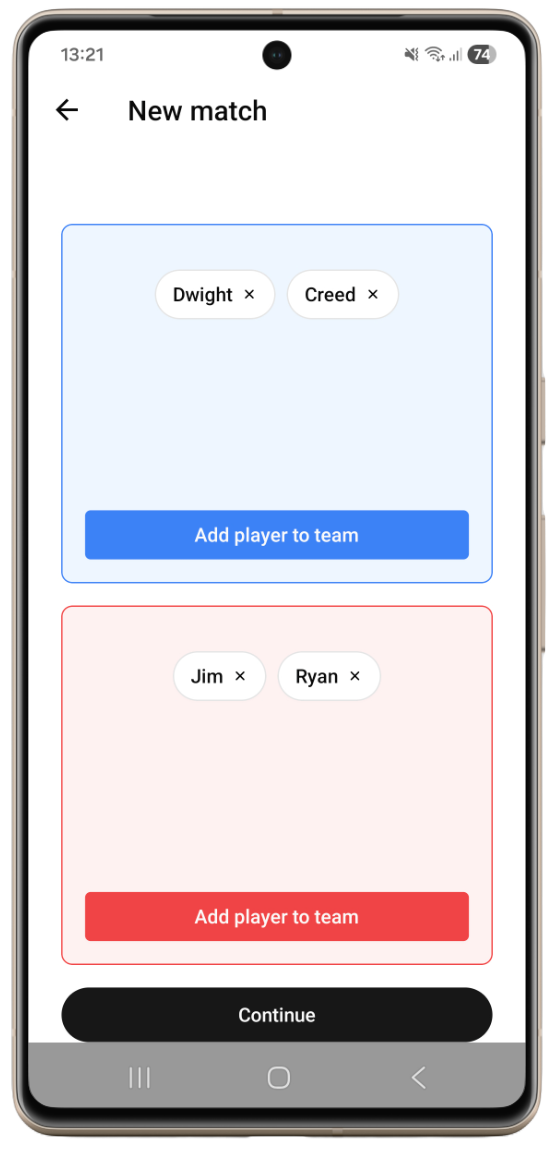
Team-vs-team
Teams can be shuffled every match, every player keeps their own individual ranking. Best for doubles (or any team size) in tennis, padel, beach volleyboll etc.
Invite your friends
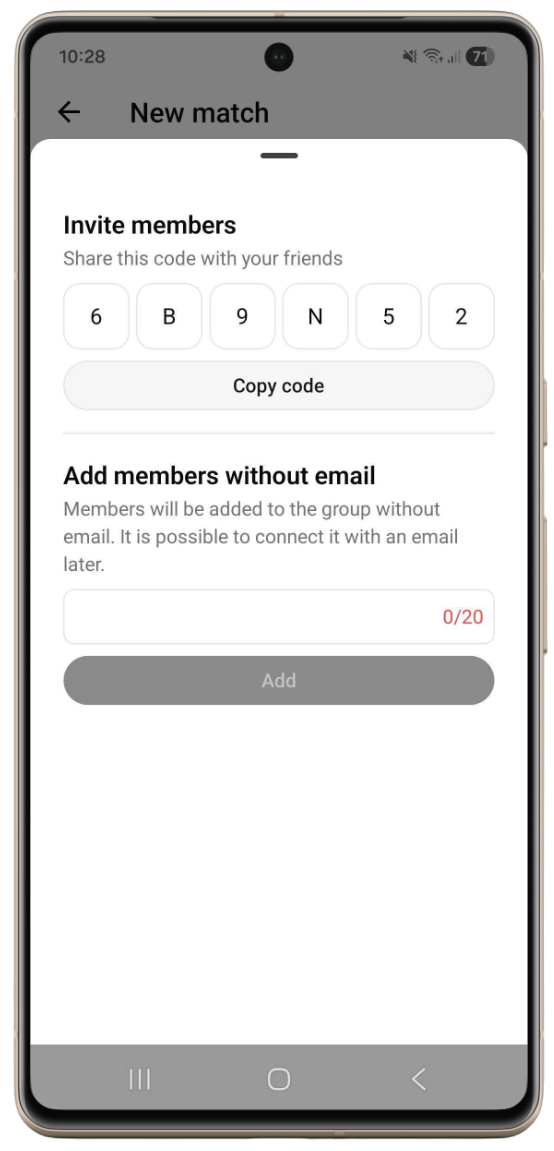
Every group has a unique join code. Send it to your friends or write it on the breakroom whiteboard. Anyone with the code joins the leaderboard in seconds.
By default new members are auto-accepted, but you can turn that off in the group settings.
Play matches and watch the rankings update
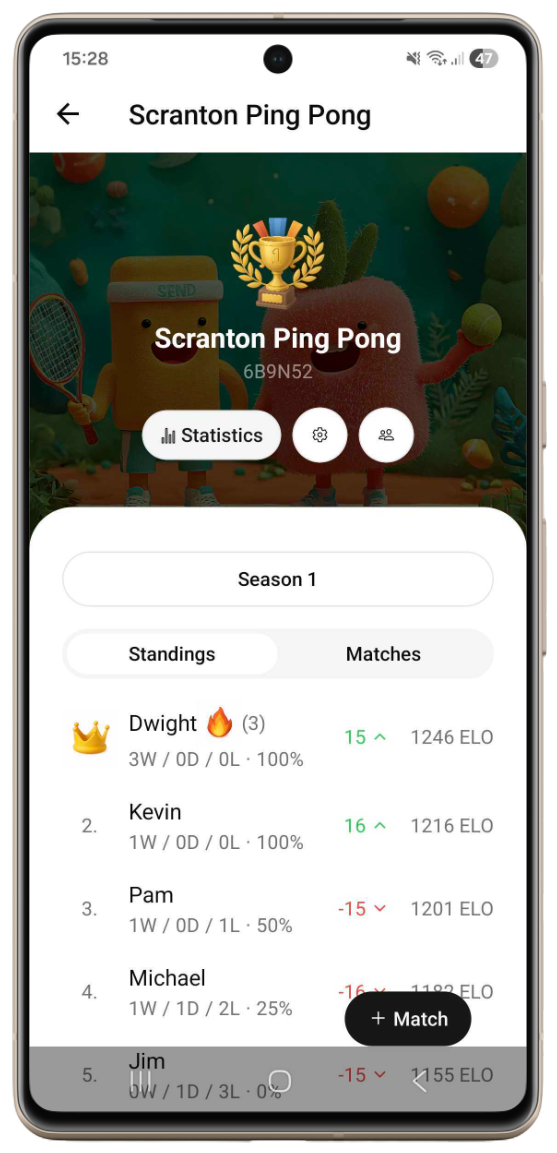
Log the result after every match. ELO updates automatically, and beating a higher-ranked player earns you more points than beating a lower one.
That's it!
Download Rankat and find out who the real office champion is.